If you are looking to create a new profile, then this article may be better for you:
How to create a new outlook profile
If you want to add an email address to your outlook so that multiple mailboxes appear follow the guide below.
Step 1 - Navigate to the file tab in the top left of outlook.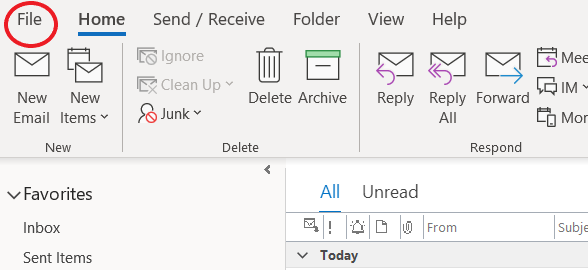
Step 2 - Find the “Add Account” button. Follow the steps provided.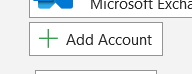
Step 3 - Your added email account should appear on the left sidebar as a folder. Expand the folder to find the mailboxes.
Was this article helpful?
That’s Great!
Thank you for your feedback
Sorry! We couldn't be helpful
Thank you for your feedback
Feedback sent
We appreciate your effort and will try to fix the article